Convert WhatsApp voice notes (.opus) to MP3 on your iPhone, free and offline
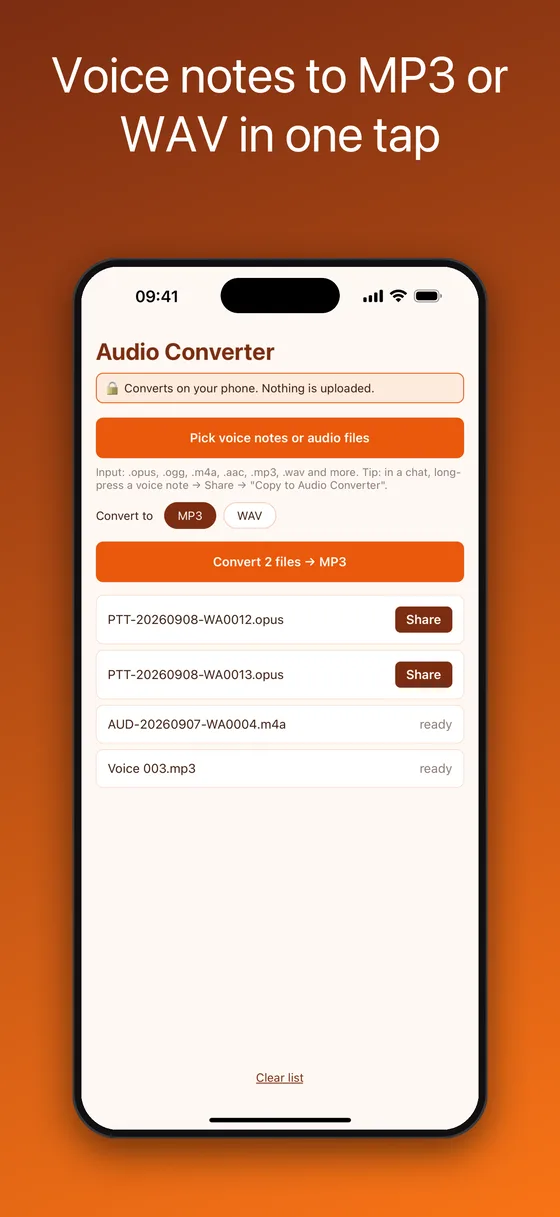
Voice Note Audio Converter is an opus to MP3 converter that runs entirely on your iPhone. Pick one or a hundred .opus, .ogg, .m4a, .aac or .wav files, choose MP3 or WAV, tap Convert, and share the results to Files, Mail, AirDrop or any app. Nothing is uploaded to a server, no account is needed, and it works in airplane mode.


- Price
- Free, no watermark, no limits. A small ad banner; one-time Remove Ads ($0.99)
- Input
- .opus .ogg .oga .m4a .aac .mp3 .wav .caf .aiff .flac .amr .3gp .mp4
- Output
- MP3 (128 kbps) or WAV (16-bit PCM)
- Privacy
- On-device conversion, no upload, no account
What you get: MP3 or WAV files you can play, edit and send anywhere
How to convert a WhatsApp voice note to MP3 on iPhone
WhatsApp voice messages are stored as .opus files (they usually start with PTT-, for push-to-talk). Most players, editors and transcription tools cannot open them. This is the whole process; it takes about a minute the first time and seconds after that.
- Get the voice note out of WhatsAppLong-press the voice message, tap Share (or Forward → Share), then choose Save to Files, or pick “Copy to Audio Converter” to hand the file straight to the app.
- Pick the files in the appTap Pick voice notes or audio files. The picker shows every file type on purpose: iOS has no built-in type for .opus, so an audio-only picker would grey out exactly the files you need. Select as many as you like.
- Choose MP3 or WAV and tap ConvertMP3 plays on everything and stays small. WAV is lossless 16-bit PCM, the right choice if you plan to edit or transcribe the audio afterwards.
- Share the converted fileTap Share next to a file to send it to Files, iCloud Drive, Mail, AirDrop, a Mac, or any app. The original voice note is left untouched.
Why an on-device converter beats an online opus to mp3 website
🎧Opens the files nobody else can
Native decoders for Opus and Ogg Vorbis are built in, plus AAC, M4A, MP3, WAV, CAF, AIFF, FLAC, AMR and 3GP, so a voice note from any chat app converts without a detour.
📦Batch conversion
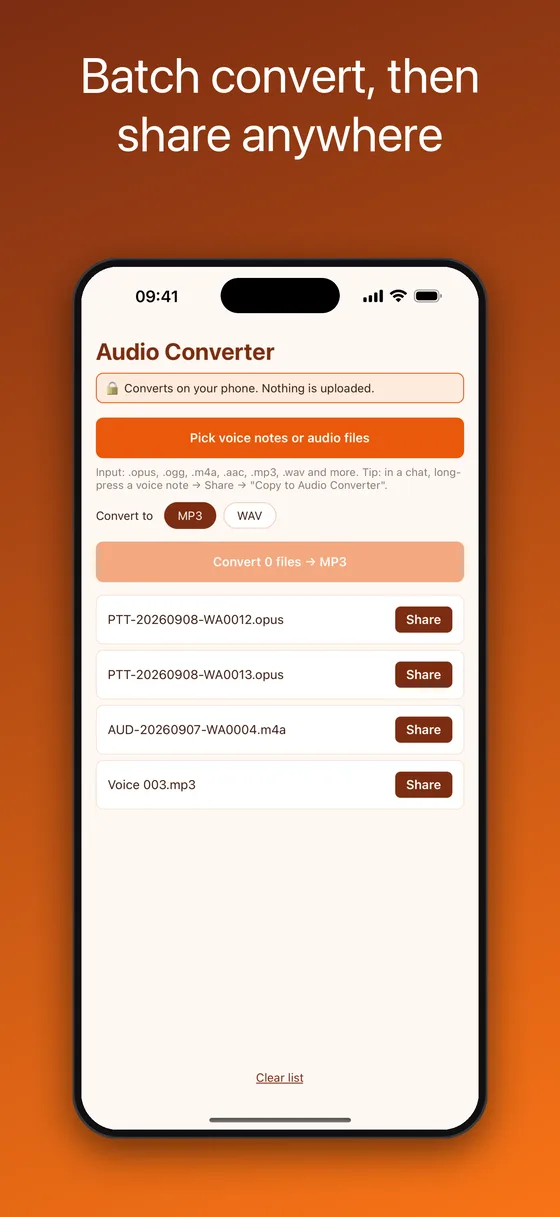
Select a whole folder of voice notes at once and convert them with one tap. Each result gets its own Share button.
🔒Nothing is uploaded
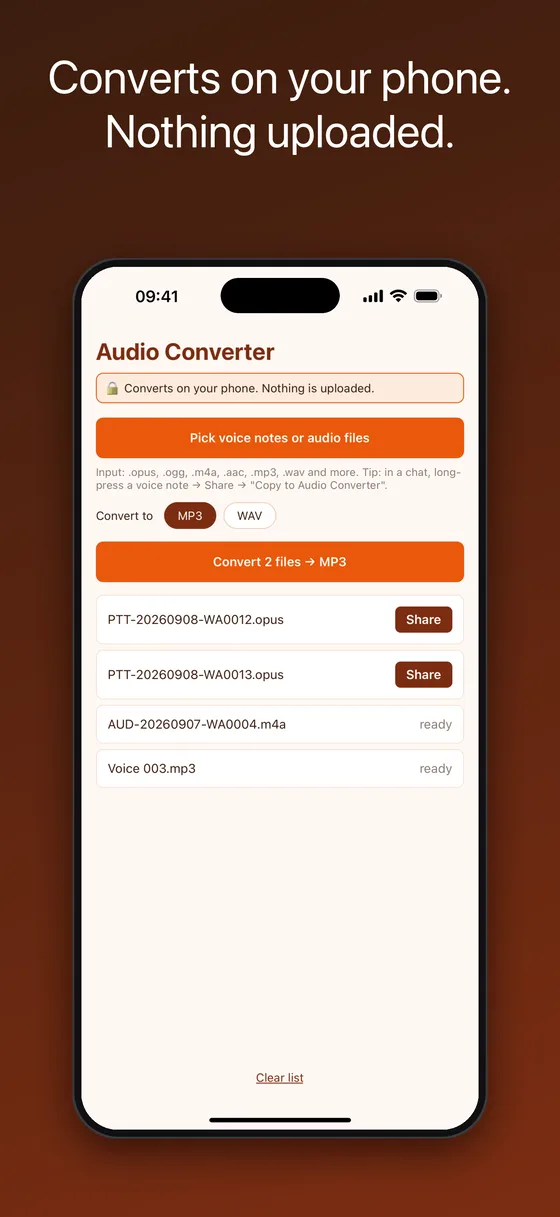
Online converters upload the recording to a server you do not control. Here the decode and the MP3 encode happen on the phone, so private messages stay private.
✈️Works in airplane mode
No connection, no waiting for a server queue, no file-size limits. Convert on a plane or in a basement.
🎚️MP3 or lossless WAV
128 kbps MP3 for sharing and archiving, 16-bit WAV for editing in GarageBand, Logic, Audacity or feeding a transcription tool.
📤Straight from the share sheet
The app registers as a share-sheet target, so “Copy to Audio Converter” works from WhatsApp, Files, Mail and any other app that shares files.
Questions this app answers
How do I open an .opus file on iPhone?
iOS cannot play .opus files natively in Files or the Music app. Convert the file to MP3 or WAV with this app and it will play in every player, attach to any email and open on any computer.
Can I save a WhatsApp voice message as MP3?
Yes. Share the voice message to the app, choose MP3, tap Convert, then Save to Files or send it on. The MP3 keeps the full quality of the original 48 kHz Opus recording.
How do I convert WhatsApp audio to MP3 without uploading it anywhere?
Use an on-device converter. This app performs the Opus decode and the MP3 encode on the phone itself, so the audio never touches a server. It even works with the network switched off.
Can I convert many voice notes at once?
Yes. Pick as many files as you like in one go; they are converted one after another and each gets a Share button. There is no cap on the number of files or their length.
Which format should I choose, MP3 or WAV?
MP3 for sending, playing and archiving. WAV when you will edit the audio or run it through speech-to-text software, because it is lossless and universally supported by editors.
Voice Note Audio Converter vs online converters and desktop tools
Uploading a private voice message to a random “opus to mp3 online” site is a privacy risk, and the desktop route (AirDrop to a Mac, install ffmpeg or VLC) is slow. On-device conversion removes both problems.
| Voice Note Audio Converter | Online converter websites | Desktop (ffmpeg / VLC) | |
|---|---|---|---|
| Opens .opus WhatsApp voice notes | ✓ Yes | ✓ Usually | ✓ Yes |
| Works offline on the phone | ✓ Yes | ✗ No | ✗ Needs a computer |
| Recording stays private | ✓ Never leaves the phone | ✗ Uploaded to their server | ✓ Yes |
| Batch conversion | ✓ Unlimited | Often limited or paid | ✓ With scripting |
| Share-sheet integration | ✓ Copy to Audio Converter | ✗ No | ✗ No |
| Price | Free | Free with ads or paid tiers | Free, technical |
Frequently asked questions
Is the converter really free?
Yes. Version 1.0 is free with no watermark, no file limit and no account. It is built and maintained by an independent developer.
Why are WhatsApp voice notes .opus files?
WhatsApp records voice messages with the Opus codec because it sounds good at very low bitrates. The files are named like PTT-20260908-WA0012.opus. Opus is great for chat but poorly supported by players and editors, which is why converting is useful.
Does converting reduce the audio quality?
MP3 at 128 kbps is far above the bitrate of the original voice note, so there is no audible loss. WAV output is lossless.
Why does the file picker show every file type?
iOS has no built-in type identifier for .opus. An audio-only picker would grey out exactly the files this app exists for, so the picker accepts everything and the app checks the extension itself.
Where do the converted files go?
They are created in the app’s cache and offered through the Share sheet. Choose Save to Files to keep them in iCloud Drive or On My iPhone, or send them straight to Mail, AirDrop, Telegram or any other app.
Can it convert Telegram, Signal or voicemail audio too?
Yes. Telegram and Signal voice messages are .ogg or .m4a, iPhone voicemails and Voice Memos are .m4a, and all of those are supported inputs.
Does it work on Android?
Yes. Opus to MP3 Converter is on Google Play as well as the App Store; use the Google Play badge at the top of this page.
Is this app made by WhatsApp?
No. Voice Note Audio Converter is an independent utility, not affiliated with or endorsed by WhatsApp LLC or Meta Platforms, Inc. It converts the standard audio files that chat apps produce.
Step-by-step guides
More on-device apps for chat exports and voice notes
Voice Note Audio Converter is an independent utility. It is not affiliated with, endorsed by, sponsored by, or in any way officially connected with WhatsApp LLC or Meta Platforms, Inc. WhatsApp is a registered trademark of Meta Platforms, Inc. Opus decoding uses the open-source libopus; MP3 encoding runs on the device.