Transcribe WhatsApp voice messages to text on your iPhone, offline and private
Voice Note to Text turns a voice note into readable text in a few seconds, without sending the audio anywhere. Pick a .opus, .m4a, .mp3 or .wav file (or share it from any chat app), the language is detected automatically, and the transcript appears on screen ready to copy or share as a .txt file. The speech model ships inside the app, so it works in airplane mode, and it is a single $2.99 purchase with no subscription.
 Google Play: Android version in progress
- Price
- $2.99 once. No subscription, no credits
- Input
- .opus .ogg .m4a .aac .mp3 .wav .caf .aiff .flac .amr .3gp
- Languages
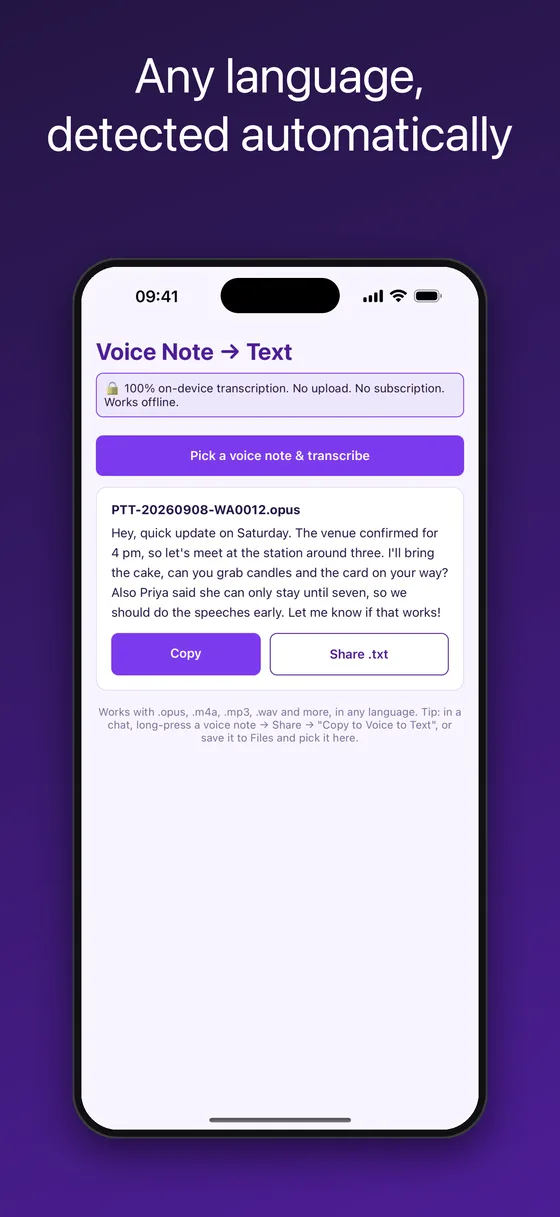
- Around 100, detected automatically
- Privacy
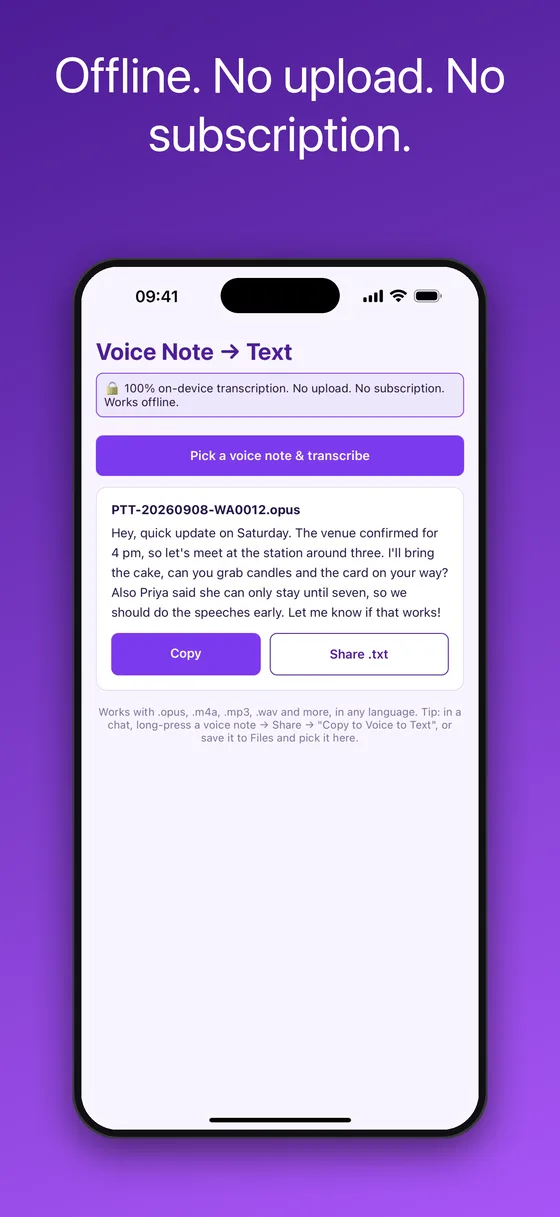
- On-device speech recognition, no upload, no account
What you get: a transcript you can read, copy and share
How to transcribe a WhatsApp voice note to text on iPhone
WhatsApp’s own transcription is only offered in some countries and languages, and it never covers files you already saved. This works for any voice note, from any app, in any language the model knows.
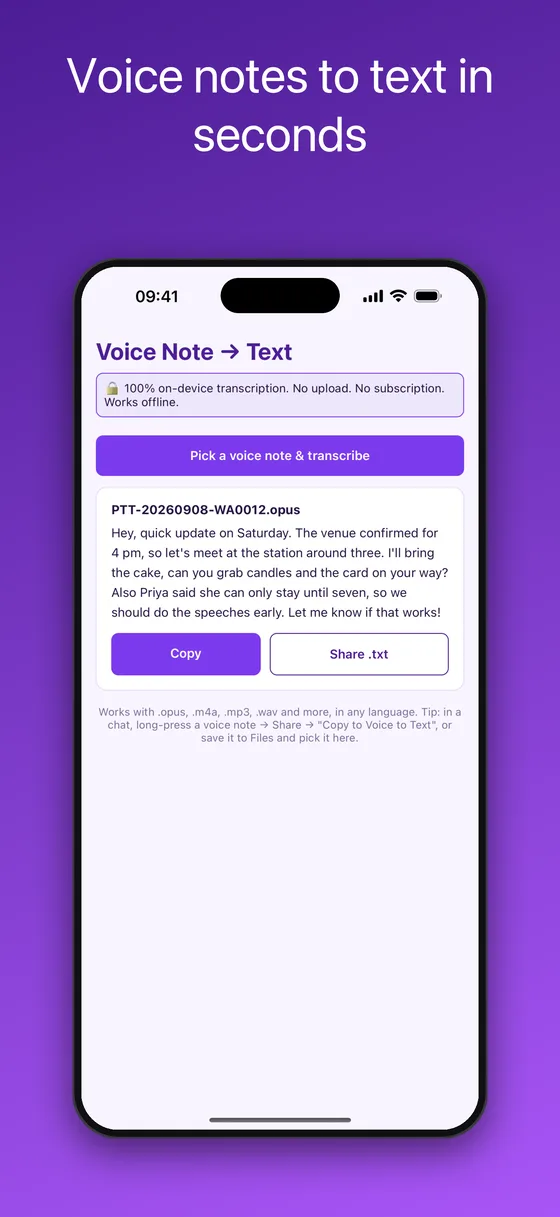
- Share the voice note to the appIn the chat, long-press the voice message, tap Share, and choose “Copy to Voice to Text”. Or save it to Files first and pick it from inside the app with Pick a voice note & transcribe.
- Wait a few secondsThe app decodes the audio, loads the bundled speech model on first use, and transcribes on the phone. A one-minute voice note typically takes a few seconds on a recent iPhone.
- Read, copy or share the transcriptThe text appears under the file name. Tap Copy to paste it into Notes, Mail or a reply, or Share .txt to send it as a file or save it in Files.
Why this is different from cloud transcription apps
🔒Nothing is uploaded
Speech recognition runs on the iPhone using a bundled model. The audio and the transcript never leave the device, which is what a private voice message deserves.
💸One-time purchase
Most transcription apps charge a monthly subscription or sell minutes. This is $2.99 once, with unlimited transcriptions and no account.
🌍Around 100 languages, auto-detected
English, Spanish, German, French, Portuguese, Hindi, Tamil, Arabic, Turkish and many more. You do not pick the language; the model detects it.
✈️Works in airplane mode
The speech model ships inside the app, so the first run needs no download and the app is complete without a connection.
🎧Opens .opus voice notes directly
Native Opus and Ogg decoding means WhatsApp, Telegram and Signal voice messages transcribe without converting them first. Voice Memos and voicemail (.m4a) work too.
📤Share-sheet integration
“Copy to Voice to Text” appears in the iOS share sheet, so transcribing is two taps from any chat.
Questions this app answers
WhatsApp voice-to-text is not available on my phone. What can I do?
The built-in transcription depends on your region and language. Share the voice note to Voice Note to Text instead: it works for any language the model supports, on any iPhone running iOS 15.1 or later, with no regional restriction.
How can I read a voice message instead of listening to it?
Transcribe it. In a meeting, on a train or in a library, share the voice note to the app and read the text on screen. The transcript can be copied into a reply or kept as a searchable note.
How do I transcribe an .opus file on iPhone?
Pick it in the app. Opus decoding is built in, so there is no need to convert to MP3 first. The same goes for .ogg, .m4a, .mp3 and .wav.
Is there a transcription app that does not upload my audio?
Yes, this one. Recognition runs entirely on the device. You can verify it by switching on airplane mode: transcription still works.
Can I transcribe a long voice memo or an interview?
Yes. There is no length limit. Longer files take proportionally longer; a ten-minute recording is typically done in well under a minute on a recent iPhone.
Voice Note to Text vs WhatsApp’s built-in transcripts and cloud apps
Three ways to get text out of a voice note: the built-in feature, a cloud transcription app, or on-device transcription. They differ in privacy, price and what they can open.
| Voice Note to Text | Built-in WhatsApp transcripts | Cloud transcription apps | |
|---|---|---|---|
| Works for saved .opus / .m4a / .mp3 files | ✓ Yes | ✗ Only inside the chat | ✓ Usually |
| Available in every country and language | ✓ ~100 languages, auto-detected | ✗ Limited regions and languages | ✓ Mostly |
| Audio stays on the phone | ✓ Yes, verified offline | ✓ On-device | ✗ Uploaded to a server |
| Price | $2.99 once | Free | Subscription or per-minute credits |
| Copy / share as .txt | ✓ Yes | Copy only | ✓ Yes |
| Works in airplane mode | ✓ Yes | ✓ Yes | ✗ No |
Frequently asked questions
How accurate is the transcription?
It uses a Whisper-family speech model running on the phone. Clear speech in a major language is typically transcribed with very few errors; heavy background noise, overlapping speakers or strong accents lower accuracy, as with any transcription tool.
Which languages are supported?
Around 100, including English, Spanish, German, French, Italian, Portuguese, Dutch, Russian, Turkish, Arabic, Hindi, Tamil, Bengali, Indonesian, Japanese, Korean and Chinese. The language is detected automatically per file.
Is there a subscription?
No. Voice Note to Text is a one-time purchase of $2.99 with unlimited use. There are no credits, minutes, accounts or upsells.
Does it upload my voice notes anywhere?
No. The speech model is bundled with the app and inference runs on the iPhone. The app makes no network requests at all; it works with airplane mode on.
Why is the app around 60 MB?
Because the speech model ships inside it. That is what makes the first transcription instant and offline, with nothing to download later.
Can I transcribe Telegram, Signal or iMessage audio messages?
Yes. Save or share the audio file to the app. Telegram and Signal produce .ogg or .m4a files, iMessage audio messages are .caf or .m4a; all are supported.
Can I translate the transcript?
The app transcribes in the spoken language. Copy the text into Apple Translate or any translator to translate it; translation is not built in.
Is there an Android version?
Not yet. The iPhone version is available now; an Android build is in progress and this page will link to Google Play when it is live.
Is this an official WhatsApp product?
No. Voice Note to Text is an independent utility and is not affiliated with, endorsed by or connected to WhatsApp LLC or Meta Platforms, Inc.
Step-by-step guides
More on-device apps for chat exports and voice notes
Voice Note to Text is an independent utility. It is not affiliated with, endorsed by, sponsored by, or in any way officially connected with WhatsApp LLC or Meta Platforms, Inc. WhatsApp is a registered trademark of Meta Platforms, Inc. Speech recognition runs on the device using an open-source Whisper-family model.